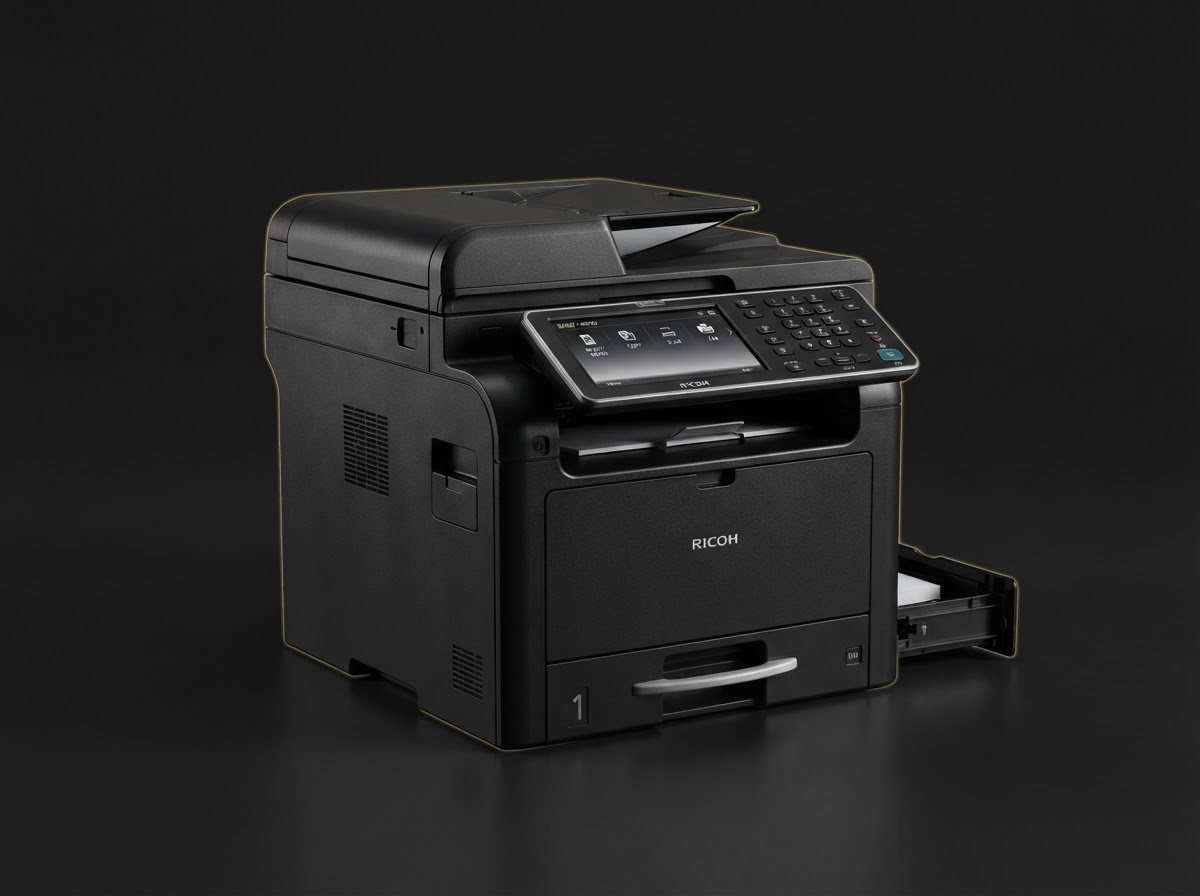
Choosing the Right Ricoh Printer for Your Office
Monochrome laser or color multifunction? We break down the decision factors — print volume, color needs, and total cost of ownership — so you can invest with confidence.
Choosing the right printer starts with understanding how your team actually works. A busy legal department printing thousands of text pages a day has very different needs from a marketing agency producing color brochures.
Monochrome vs. Color
If 90%+ of your output is text — contracts, invoices, internal memos — a monochrome laser printer like the Ricoh Monochrome Laser is the economical choice. Toner costs are lower, print speeds are higher, and maintenance is simpler.
If you regularly produce client-facing materials, presentations, or marketing collateral, a Color Multifunction Printer pays for itself in polish and versatility. You get print, copy, scan, and fax in one device.
Print Volume
Match the device to your monthly duty cycle. Underestimating volume leads to jams and wear; overestimating wastes money on capacity you never use.
Total Cost of Ownership
Look beyond the sticker price. Factor in toner yield, maintenance kits, and energy consumption. Genuine Ricoh consumables are engineered for predictable yield — cheaper third-party cartridges often cost more per page in the long run.
Our team at 2Rush Office can help you model TCO for your specific workload. Reach out anytime.
Need help choosing the right equipment?
Our team at 2Rush Office is ready to help you find the perfect Ricoh printer, scanner, or consumables for your workflow.
Browse ProductsKeep reading
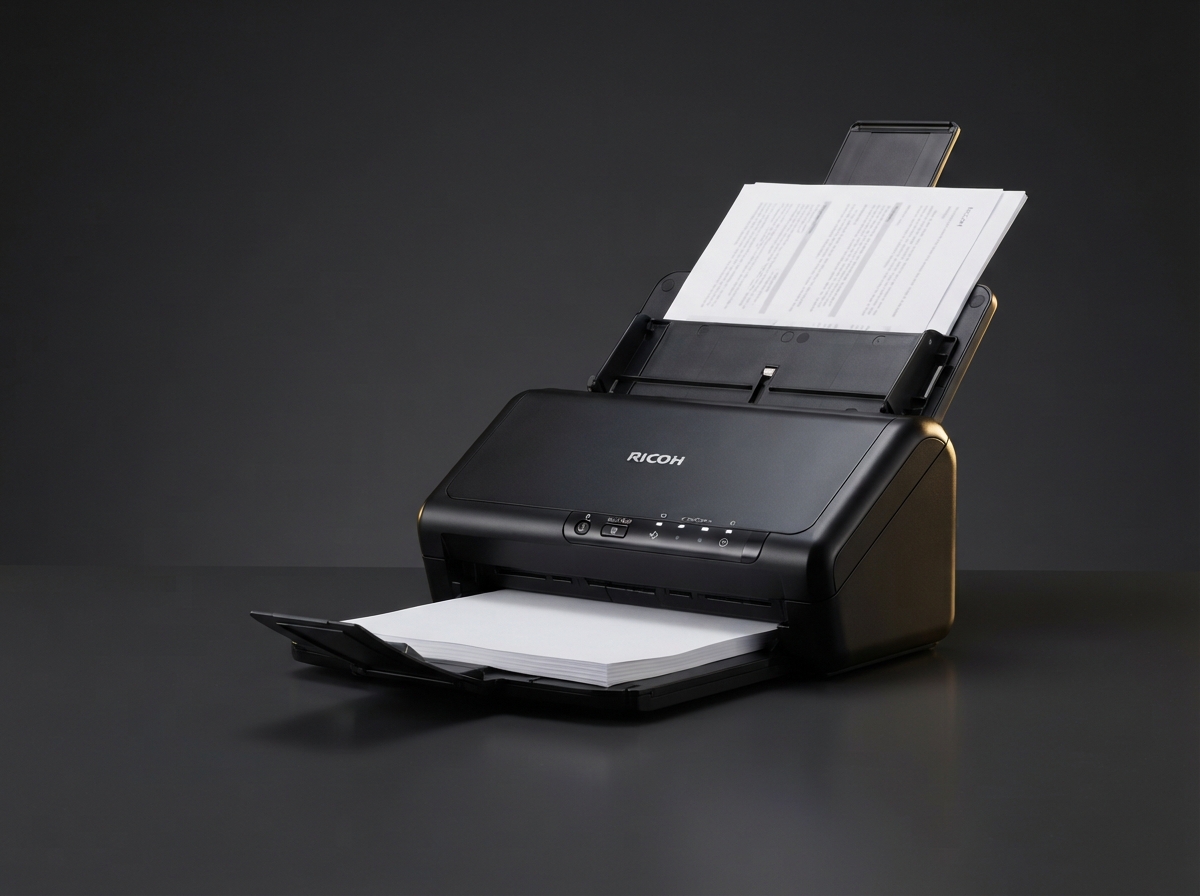
Workflow
Document Scanning Best Practices for Going Paperless
Transitioning to a paperless office? Follow these scanning best practices to ensure searchable, compliant, and secure digital archives.
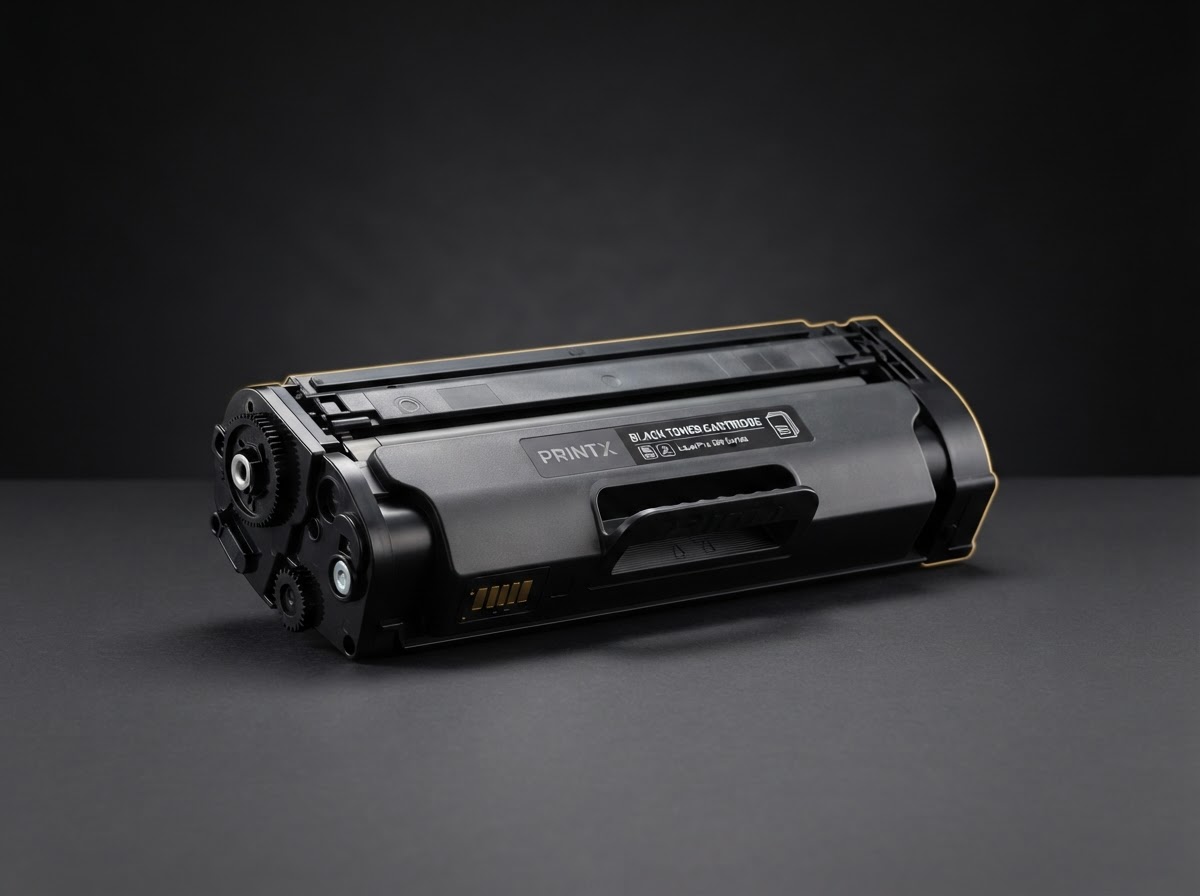
Consumables
Understanding Toner Yield: How Many Pages Will You Really Get?
Toner cartridges quote a page yield, but real-world results vary. Here's what affects yield and how to budget accurately for consumables.
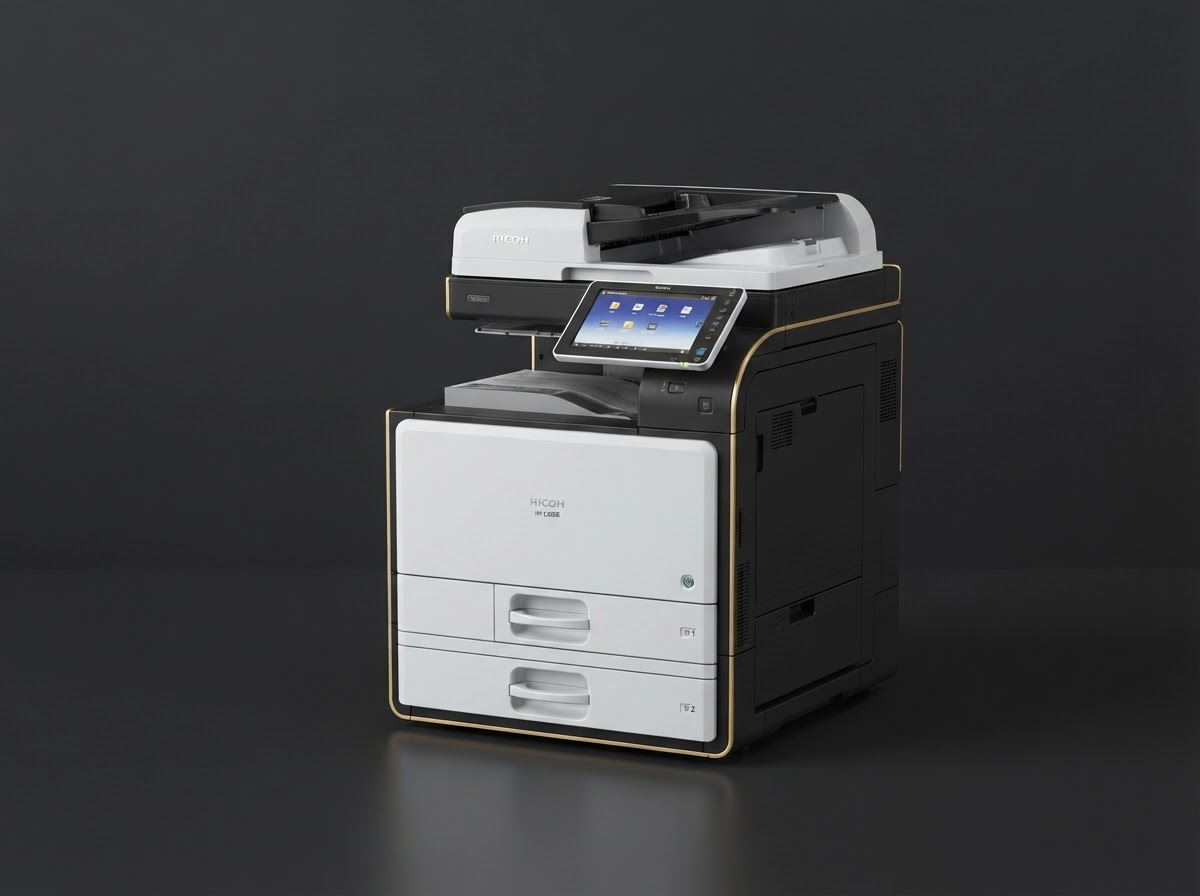
Security
Securing Your Print Fleet: A Guide for IT Managers
Printers are often the weakest link in enterprise security. Learn how to lock down your Ricoh devices with user authentication, encryption, and audit logging.