Document Scanning Best Practices for Going Paperless
Transitioning to a paperless office? Follow these scanning best practices to ensure searchable, compliant, and secure digital archives.
Going paperless isn't just about scanning documents — it's about creating a digital archive that's searchable, secure, and built to last.
Choose the Right Scanner
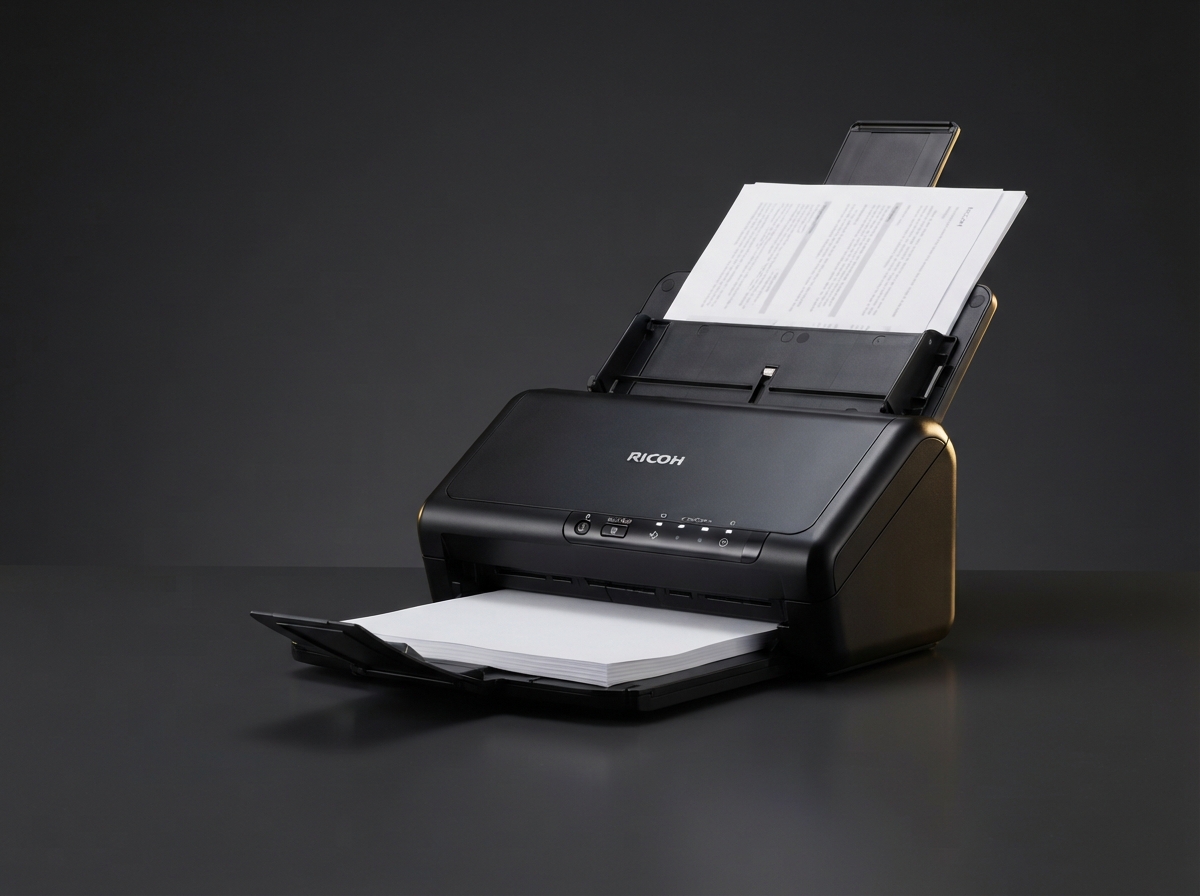
For everyday desk use, a compact scanner like the Ricoh Desktop Document Scanner handles 40 ppm with a 60-sheet ADF. For archival projects involving thousands of pages, a production scanner at 110 ppm with ultrasonic double-feed detection is the right tool.
Use Consistent Naming Conventions
Decide on a file naming standard before you scan. Include date, document type, and a reference number. This makes retrieval instant months later.
Always OCR
Optical character recognition makes scanned images searchable. Most modern scanners — including all Ricoh models we carry — produce searchable PDFs by default.
Back Up and Encrypt
Your digital archive is only as safe as its backup. Store scans in at least two locations, and encrypt anything containing sensitive client data.
Need help choosing the right equipment?
Our team at 2Rush Office is ready to help you find the perfect Ricoh printer, scanner, or consumables for your workflow.
Browse ProductsKeep reading
Buying Guides
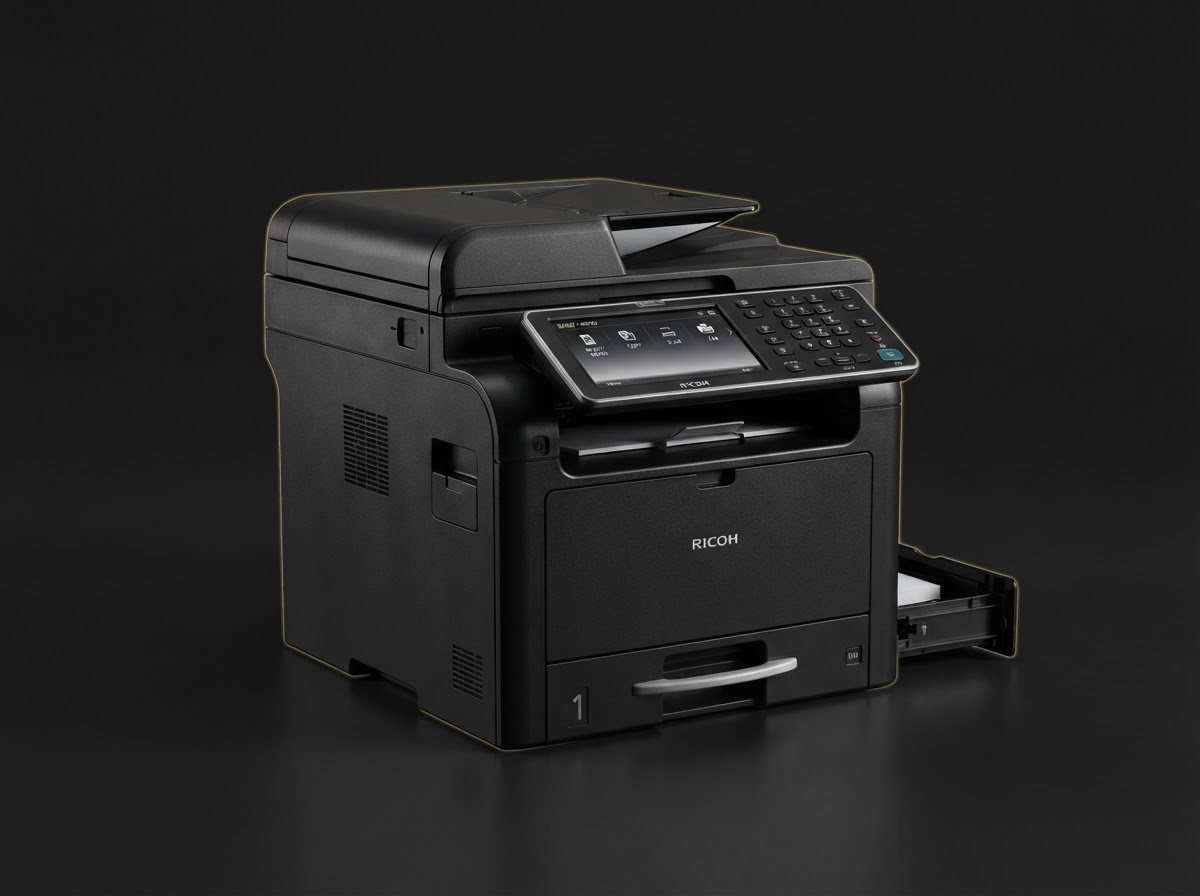
Choosing the Right Ricoh Printer for Your Office
Monochrome laser or color multifunction? We break down the decision factors — print volume, color needs, and total cost of ownership — so you can invest with confidence.
Consumables
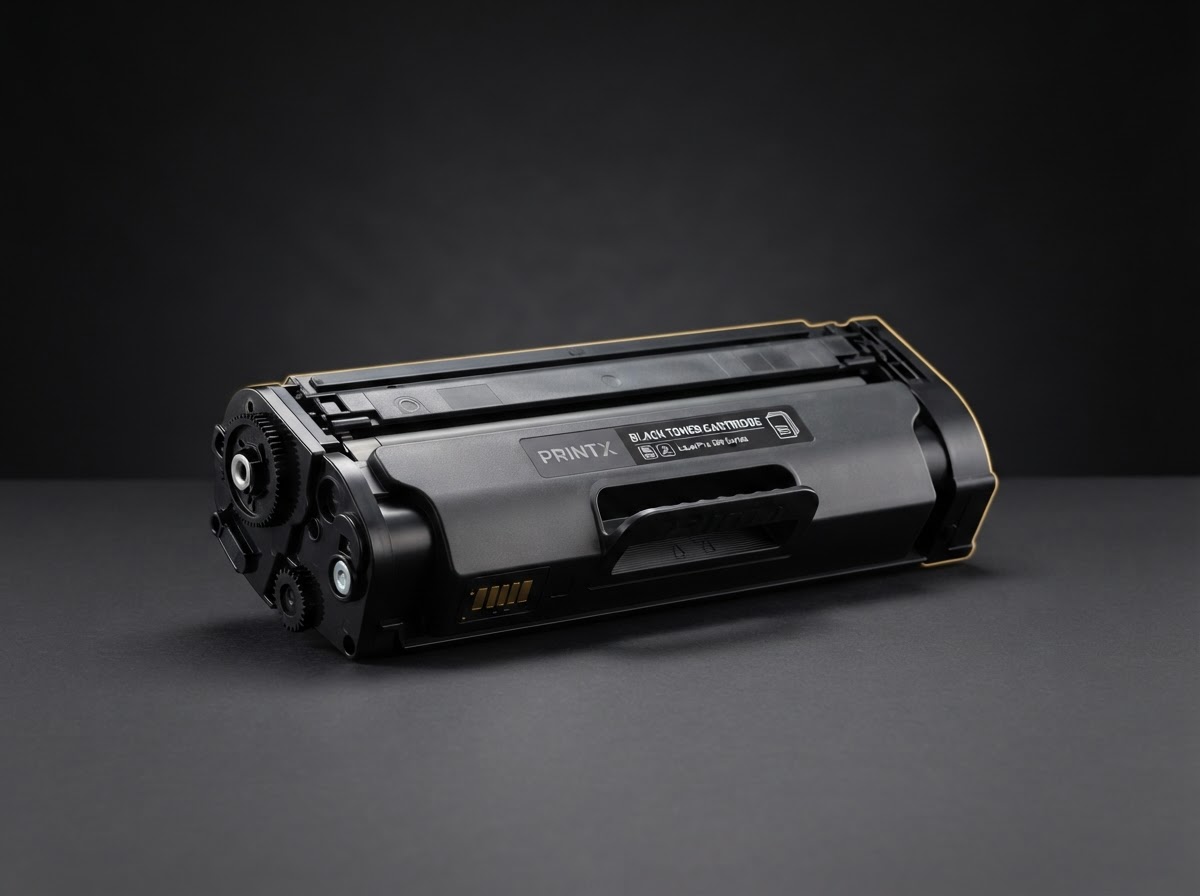
Understanding Toner Yield: How Many Pages Will You Really Get?
Toner cartridges quote a page yield, but real-world results vary. Here's what affects yield and how to budget accurately for consumables.
Security
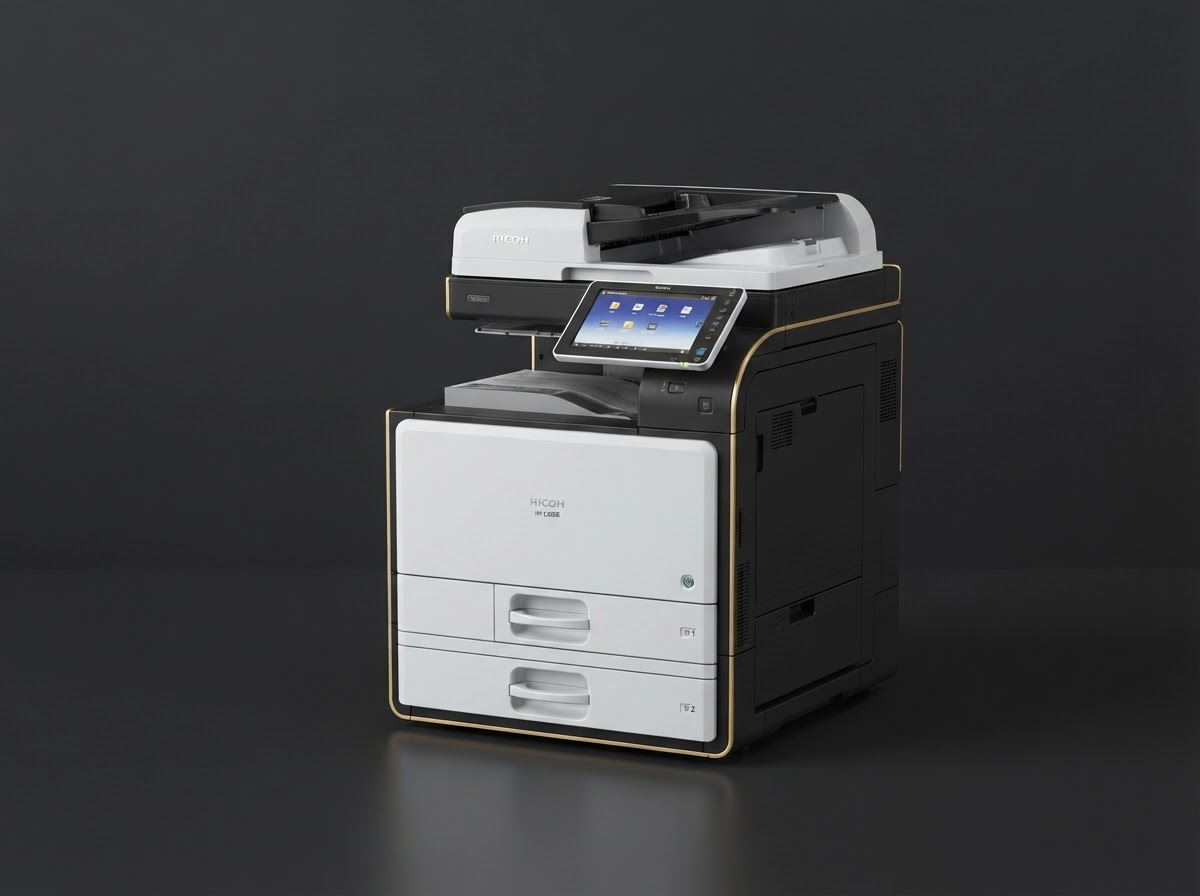
Securing Your Print Fleet: A Guide for IT Managers
Printers are often the weakest link in enterprise security. Learn how to lock down your Ricoh devices with user authentication, encryption, and audit logging.