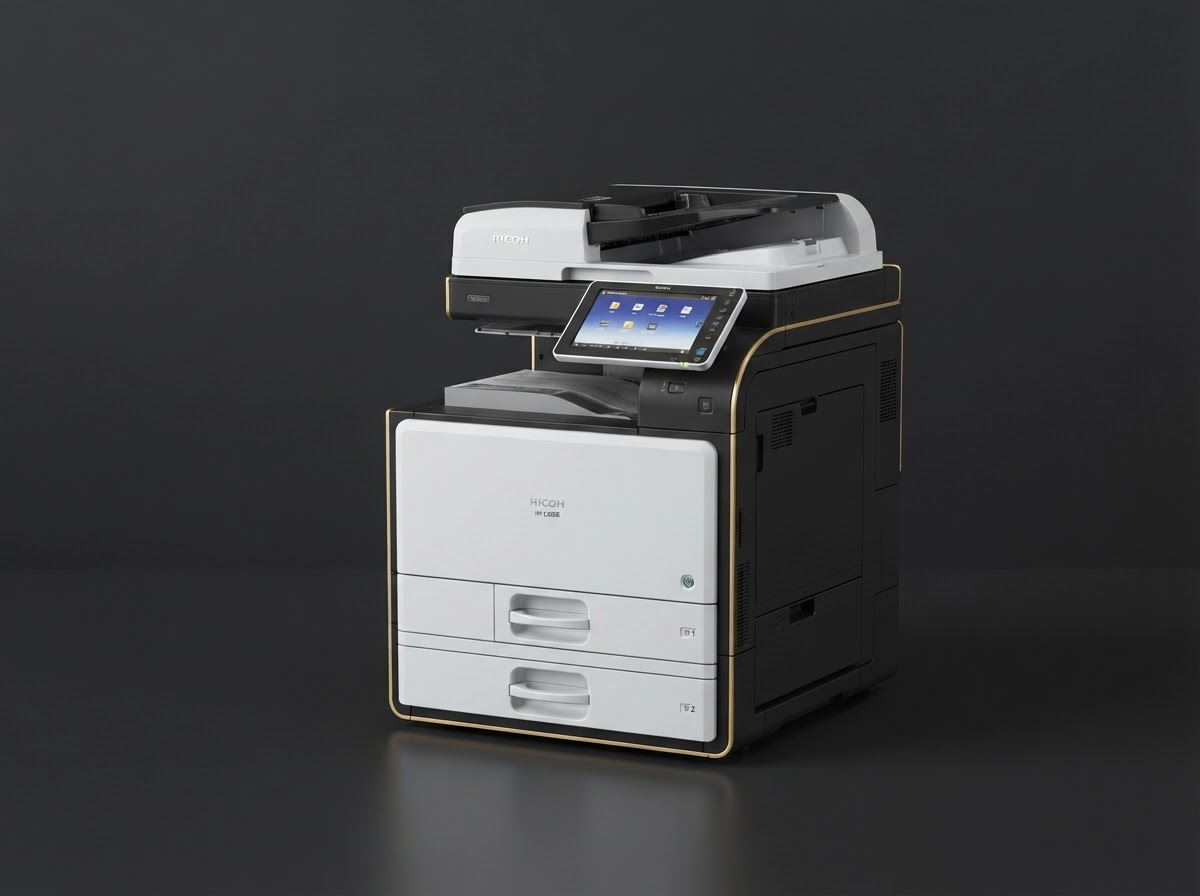
Securing Your Print Fleet: A Guide for IT Managers
Printers are often the weakest link in enterprise security. Learn how to lock down your Ricoh devices with user authentication, encryption, and audit logging.
Printers and multifunction devices are frequently overlooked in security audits — yet they sit on the network, handle sensitive documents, and often run with default credentials.
Enable User Authentication
Ricoh multifunction printers support card-based and PIN-based authentication. Require users to authenticate before releasing print jobs. This prevents confidential documents from sitting on the output tray.
Encrypt Hard Drives
Any device with internal storage should have disk encryption enabled. When the device is retired, the drive must be securely wiped or destroyed.
Secure Print Protocols
Disable raw port 9100 printing where possible. Use IPPS (IPP over TLS) or secure SMB. Ensure firmware is current — Ricoh releases regular security patches.
Audit Logging
Enable job logs and review them periodically. This creates an accountability trail for every document printed, copied, or scanned.
Need help choosing the right equipment?
Our team at 2Rush Office is ready to help you find the perfect Ricoh printer, scanner, or consumables for your workflow.
Browse ProductsKeep reading
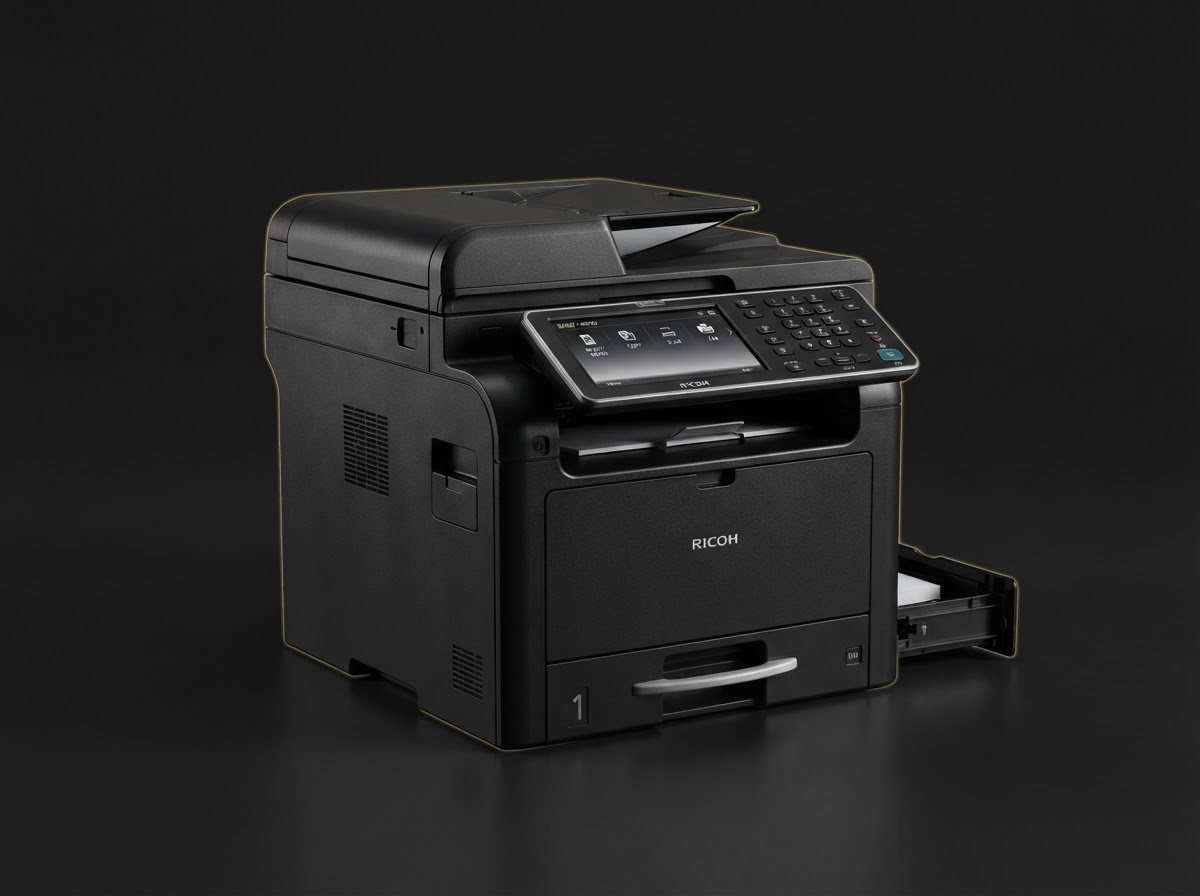
Buying Guides
Choosing the Right Ricoh Printer for Your Office
Monochrome laser or color multifunction? We break down the decision factors — print volume, color needs, and total cost of ownership — so you can invest with confidence.
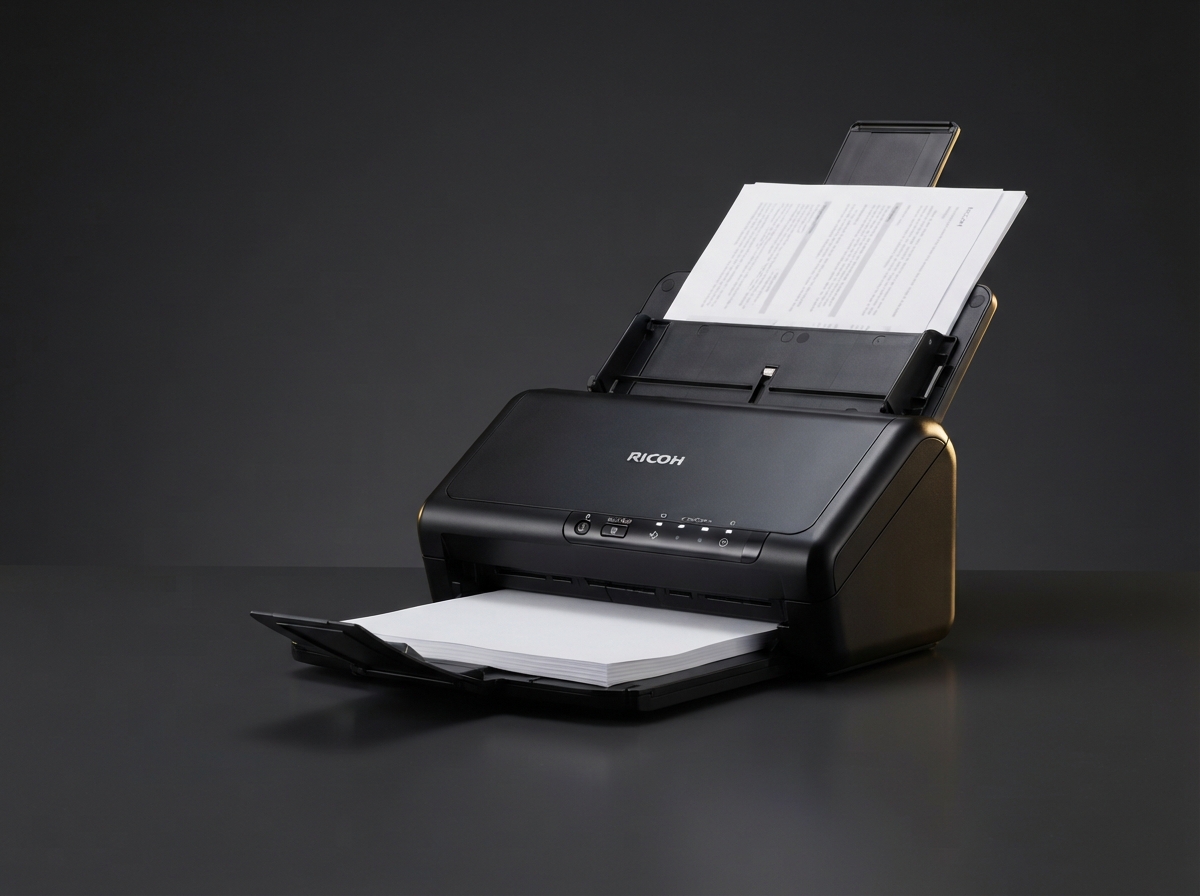
Workflow
Document Scanning Best Practices for Going Paperless
Transitioning to a paperless office? Follow these scanning best practices to ensure searchable, compliant, and secure digital archives.
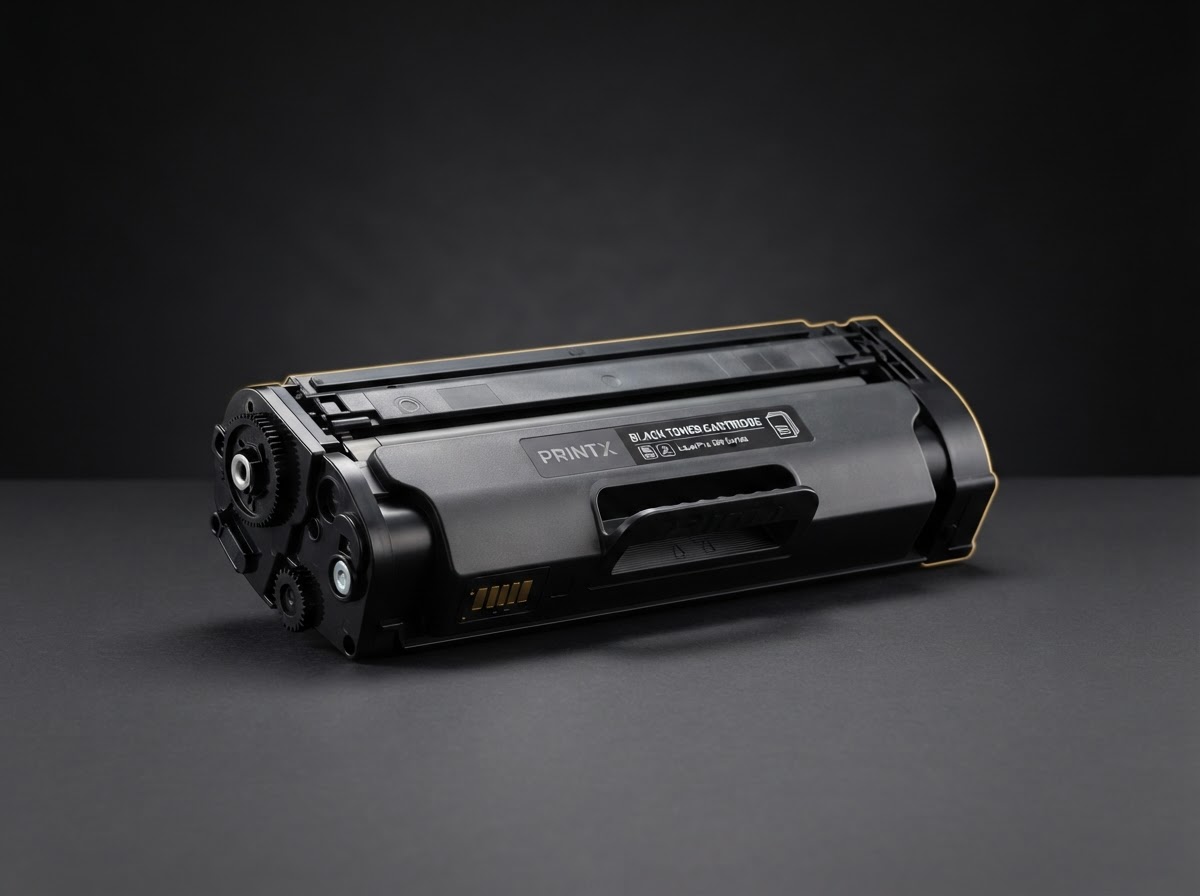
Consumables
Understanding Toner Yield: How Many Pages Will You Really Get?
Toner cartridges quote a page yield, but real-world results vary. Here's what affects yield and how to budget accurately for consumables.